
Have you ever wanted to find out the name of something, but all you had was a picture of it? It’s frustrating when you don’t even know where to start looking for information. Luckily, there’s a solution! With visual search, you can easily get the information you need just from an image, even if you had no idea what the object was called. For example, if you see an unknown flower while hiking, just take a picture of it, and you can identify it using Google. Sounds pretty good, right?
.png)
How does visual search work?
Search engines index images along with information about them. When a user uploads an image to the search engine, the algorithm identifies and compares the uploaded image with those already in its database, displaying the most relevant results accordingly. This method is particularly useful when searching for hard-to-describe objects, when you only have a picture of something but can't quite put a name to it, or when you simply need visual confirmation.
Visual search isn't just useful when other search methods, such as voice search fail; it can also save you time, as you don't have to guess keywords or phrases, yet you still get quick information about objects you don't recognize. It works especially well for scientific research, shopping, or even solving everyday problems. Let's take a look at how the different search methods work:
How do you use visual search?
You can quickly find information using the images you have on hand. Below, we detail the most common methods and steps:
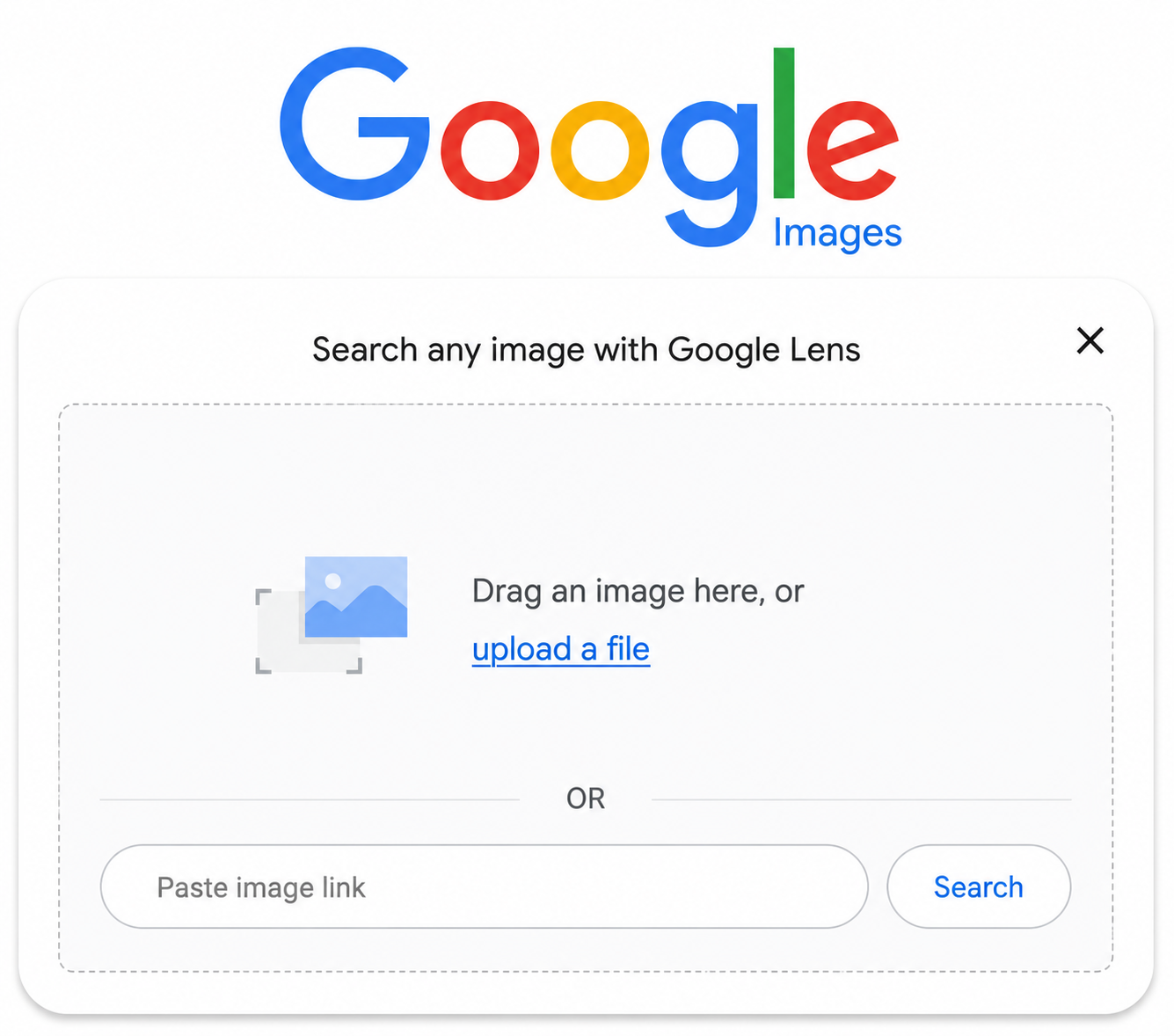
Searching for an image using the drag-and-drop method
With the drag-and-drop method, you can easily find information about images stored on your computer.
How does it work in practice?
- Open Google Images: First, open your browser and navigate to the Google Images page.
- Select the image: Find the image on your computer that you want to use for your search.
- Drag the image: Simply drag the image from your computer into the Google Images search bar. To do this, click on the image, hold down the mouse button, drag the image to the search bar, and release it.
Search results: Google will immediately start the search and display results related to the image, including similar images, websites, and additional information.
Uploading an image to the search engine
This method is just as simple as the drag-and-drop method; in this case, instead of dragging it to the right spot, you upload the image from your computer.
- Open Google Images
- Upload image: Click on the camera icon next to the search bar, then select the "Upload an image" option.
- Select image: Click the "Choose file" button and browse your computer to find the image you are looking for. Select the image, then click "Open."
Search results: Google begins the search and displays results related to the image.
Search by image URL
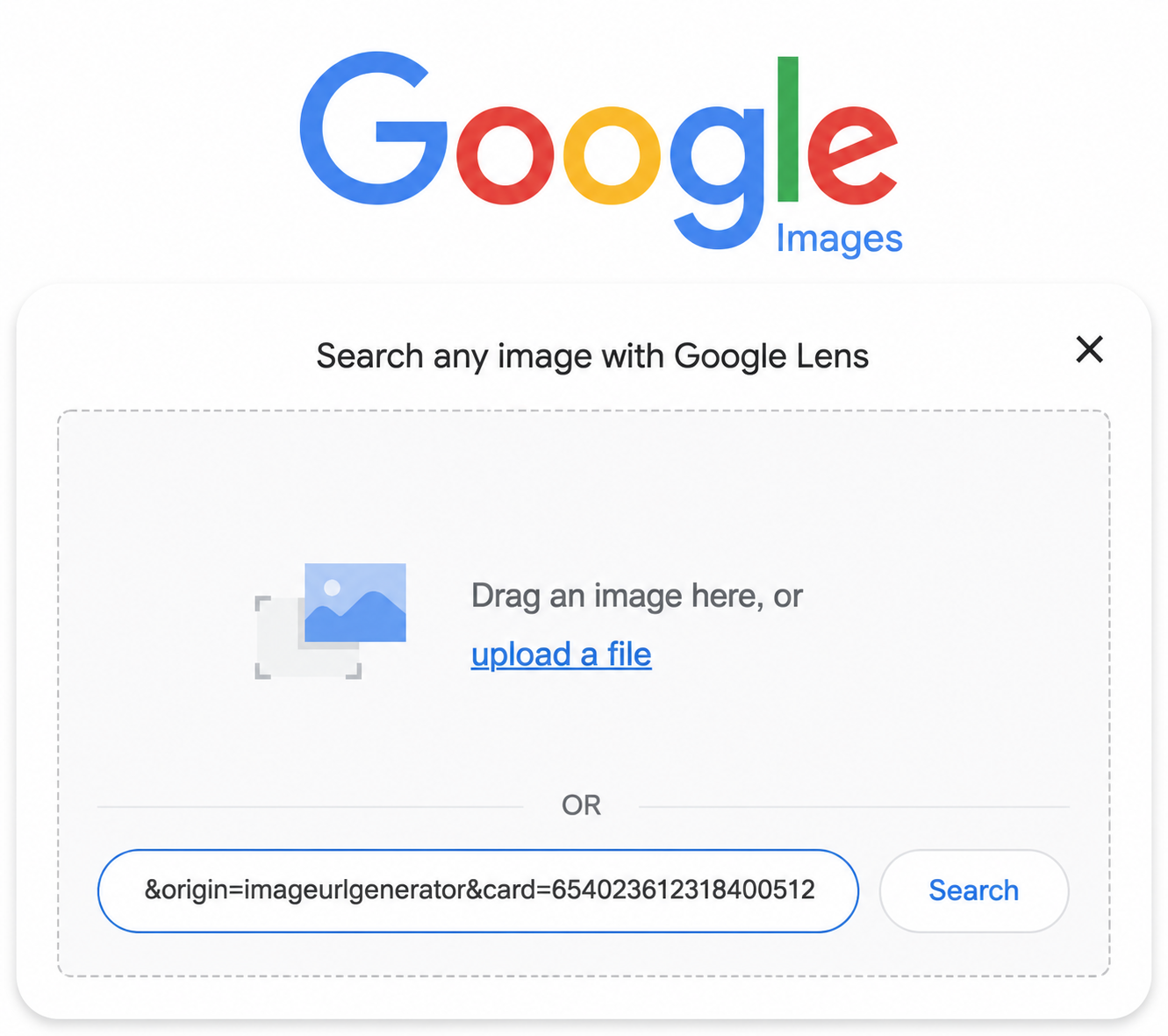
This method is useful if the image you want to search for is on a website, meaning it has a URL, and you want to find the source of the image or similar images.
Copy image URL: Visit the website where the image is located. Right-click on the image and select the "Copy image address" option.
- Open Google Images.
- Paste image URL: Click the camera icon next to the search bar, then select the "Paste image link" option. Paste the copied URL into the text field and click the "Search by image" button.
- Search results: Google displays results related to the image, including the image's source and similar images.
Searching for images from mobile using Google Lens
Most of the time, we don't have a laptop or desktop computer with us, only our mobile phones. In this case, Google Lens allows you to perform image-based searches quickly and easily.
- Open the Google Lens app: Open the Google Lens app on your phone. If it is not yet installed, you can download it from the Google Play Store or the Apple App Store.
- Take or select a photo: In the app, you can choose to take a new photo or select an existing one from your phone's gallery.
- Start search: If you take a new photo, simply point the camera at the object you are searching for and tap the "Search" button. If you select an existing photo, tap the image, and the app will immediately begin the search.
- Search results: Google Lens displays results related to the image, including similar images, websites, and additional information.

How does image-based search help in everyday life?
It is easy to see that this super image-based search can be helpful in many everyday situations. Below are a few practical examples, but the possibilities are endless:
Searching for and buying products
You might see a product in a store but can't find it in the right size or color. In such cases, take a picture of the item and use visual search to find it in online stores. This is especially useful for clothing, shoes, or other fashion items.
Identifying works of art and monuments
If you come across an unknown work of art or monument in a museum or on a sightseeing tour and don't know what it is, it's great that you don't have to pull out a bulky guidebook! With visual search, you can quickly find out what you're looking at. Take a picture of the artwork or monument, and you can get all kinds of information about it using Google.
Identifying plants and animals
During hikes in nature, we often encounter unknown plants or animals. You don't need to bring a botanist or an ornithologist with you to find out what they are. Just take a picture, and you can immediately find out what plant or animal you are dealing with!
#promobox-newslette###
Tips and tricks for effective visual search
Use high-quality images!
Blurry or dark images can make identification harder for the algorithm and may lead to inaccurate results. Make sure your photo is sharp and clear.
Narrow down the area!
When searching with Google Lens, it can be helpful to select only a smaller area of the image that you want to identify. This can lead to more accurate results, as the search engine only analyzes the area you have selected.
Add keywords!
You can make your search even more effective by adding keywords to your image. For example, if you are searching for an unknown flower in the forest, add the words "flower" or "forest plant" to your search to get more precise results.
Protect your data!
It is important to mention that your uploaded images may raise privacy concerns. Google and other search engines may store uploaded images and the associated search data. As a result, images could be linked to your personal data and potentially become accessible to others. It is worth considering what images you upload and, if necessary, anonymizing them.
The rise of visual search
With the help of artificial intelligence and machine learning, search engines will be able to identify objects in images with increasing accuracy. This will lead to the creation of more applications like Google Lens, which will expand the areas where visual search can be used.
Due to its speed and efficiency, visual search is expected to become indispensable in more and more business and personal areas in the future, so it is worth getting to know this useful and easy-to-use technology now and exploiting its potential.
#promobox-szolg-seo-en#Are you looking for an SEO agency?##
-min.png)





.jpg)
.png)